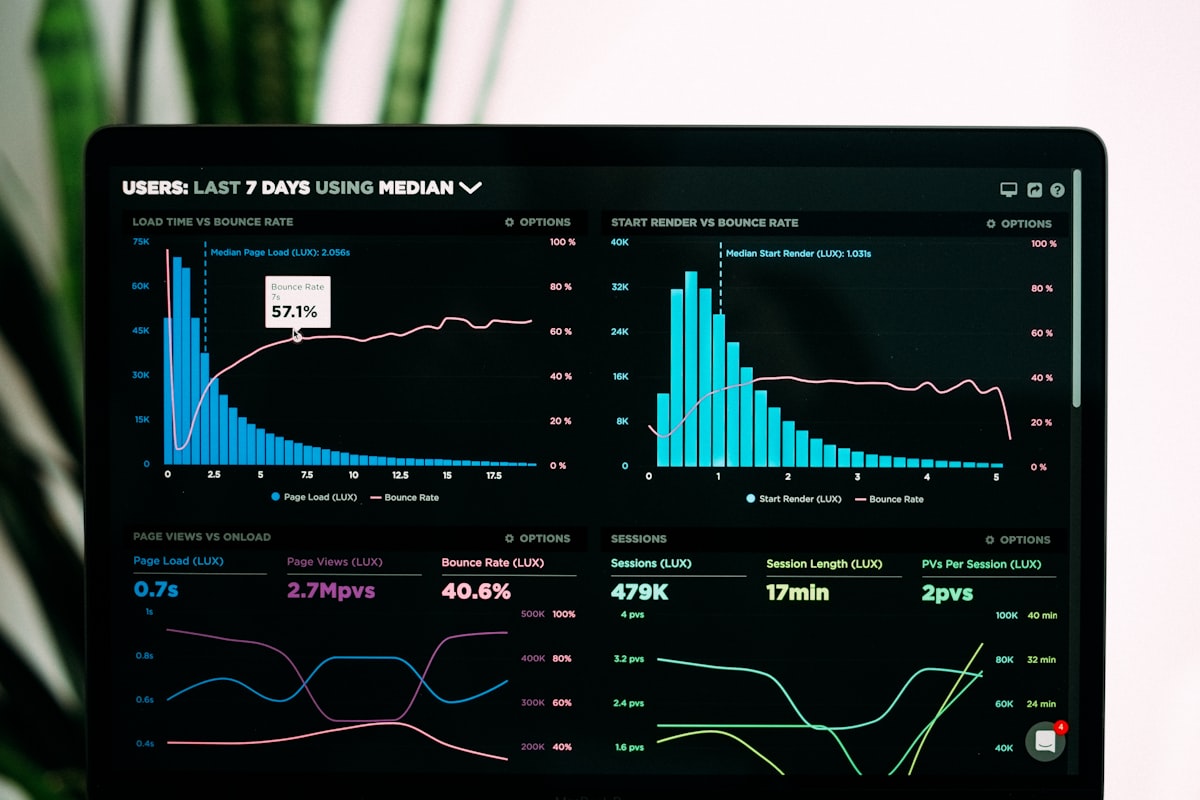
The Reporting Challenge
One of the most frequent requests I receive from P6 users: “We have all this data in P6, but our reports aren’t giving us the insights we need.” Sound familiar?
The gap between P6’s rich project data and actionable business intelligence is a common pain point. This guide will help you bridge that gap.
Understanding Reporting Requirements
Start with Stakeholder Needs
Before building reports, understand your audience. Different stakeholders need different information:
| Stakeholder Group | Key Reporting Needs |
|---|---|
| Executive Leadership | Portfolio health, budget performance, strategic alignment, risk summaries |
| Project Managers | Schedule analysis, critical path, resource allocation, variance tracking |
| Functional Managers | Resource demand, team utilization, cross-project dependencies, capacity planning |
| Finance Team | Cost tracking, EVM metrics, budget forecasting, invoice reconciliation |
💡 Pro Tip
Schedule individual meetings with key stakeholders to understand their decision-making process. Ask: “What decision will this report help you make?” This focuses reporting on outcomes, not just data.
P6 Native Reporting Capabilities
Layout-Based Reports
P6’s built-in reporting leverages customizable layouts. Here’s how they stack up:
✅ Advantages
- Direct access to P6 data
- Real-time information
- No additional tools required
- Familiar interface for P6 users
- Easy to create and modify
❌ Limitations
- Limited formatting flexibility
- Challenging for cross-project analysis
- Not ideal for executive presentations
- Performance issues with large datasets
- Limited visualization options
Best Practices for P6 Layouts
- Create Role-Specific Templates
Design layouts tailored to each user group's needs - Use Meaningful Names
Clear, descriptive names make layouts easy to find - Set Smart Defaults
Include appropriate filters and grouping out of the box - Leverage Grouping
Organize data hierarchically for better insights - Save Frequently-Used Layouts
Make common reports one-click accessible
Advanced Reporting Solutions
Business Intelligence Integration
For sophisticated reporting needs, integrate P6 with BI tools:
Power BI
Best For: Microsoft ecosystem Strengths: Excel integration, wide adoption, cost-effective Considerations: Learning curve for complex DAX formulas
Tableau
Best For: Advanced visualizations Strengths: Stunning visuals, intuitive interface Considerations: Higher cost, separate platform
Oracle Analytics
Best For: Oracle ecosystem Strengths: Native integration, enterprise features Considerations: Licensing costs, complexity
Integration Architecture
The typical BI integration follows a three-layer approach:
| Layer | Purpose | Key Components |
|---|---|---|
| 1. Data Extraction | Pull data from P6 | Direct DB queries, P6 APIs, scheduled exports |
| 2. Data Warehouse | Store and combine data | Historical repository, data cleansing, ETL processes |
| 3. Visualization | Present insights | Dashboards, drill-downs, mobile views |
Common Reporting Use Cases
1. Portfolio Health Dashboard
2. Resource Demand Forecast
Essential for capacity planning and hiring decisions:
- Resource requirements by role/skill
- 13-week rolling forecast
- Capacity vs. demand comparison
- Hiring needs projection
- Contractor vs. employee mix
- Department-level breakdowns
- Skill gap analysis
- Utilization trends
3. Earned Value Management (EVM)
For projects requiring formal cost/schedule performance tracking:
| Metric | Formula | What It Tells You |
|---|---|---|
| CPI | EV / AC | Cost efficiency (>1 = under budget) |
| SPI | EV / PV | Schedule efficiency (>1 = ahead) |
| EAC | BAC / CPI | Projected final cost |
| VAC | BAC - EAC | Expected over/under budget |
| TCPI | (BAC - EV) / (BAC - AC) | Efficiency needed to finish on budget |
⚠️ Important
EVM metrics are only meaningful when:
- Baselines are properly set
- Progress is accurately updated
- Actual costs are current
- Work breakdown structure is appropriate
Without these foundations, EVM numbers will mislead rather than inform.
Data Quality: The Foundation
Critical Data Quality Checks
Poor data quality undermines even the best reporting tools. Implement these automated checks:
Schedule Hygiene
- Activities without resources
- Missing logic (no predecessors/successors)
- Unrealistic durations
- Open-ended relationships
- Negative float accumulation
Resource Data
- Resources without rates
- Over-allocations not addressed
- Missing skill assignments
- Inactive resources on future work
- Unrealistic availability
Cost Data
- Missing baseline budgets
- Actuals not updated
- Incorrect cost accounts
- Budget spread issues
- Unassigned expenses
Data Governance Framework
- Define Standards
Document clear data entry requirements - Implement Validation
Automated checks on save/submit - Regular Audits
Weekly/monthly data quality reports - Training Program
Ensure users understand WHY data quality matters - Accountability
Clear ownership for data accuracy
Performance Optimization
Making Reports Fast
Large P6 databases can slow reports to a crawl. Use these strategies:
| Strategy | Implementation | Impact |
|---|---|---|
| Filter Aggressively | Query only needed projects/dates | High |
| Use Database Views | Pre-joined, filtered views | High |
| Index Key Fields | Add indexes to frequently-queried columns | Medium |
| Schedule Heavy Reports | Run during off-peak hours | Medium |
| Cache Historical Data | Store static data locally | High |
| Archive Old Projects | Move completed projects | Very High |
🚀 Quick Win
The single biggest performance improvement for most P6 reports: Archive completed projects older than 2 years. This often reduces active database size by 60-80%, dramatically improving query speed.
Mobile and Real-Time Access
Modern Stakeholder Expectations
- Access from anywhere
- Real-time or near-real-time data
- Interactive drill-down
- Export capabilities
- Mobile-responsive design
- Push notifications
- Offline capability
- Role-based access
- Single sign-on
Implementation Approaches
Web Dashboards
Best For: Internal users Responsive design, auto-refresh, embedded analytics, link back to P6
Native Mobile Apps
Best For: Field teams Offline support, push alerts, camera integration, simplified views
Email Reports
Best For: Executives Scheduled delivery, PDF format, exception-based, summary focus
Best Practices Summary
Design Principles
- Know Your Audience Match complexity to user sophistication
- Start Simple Core reports first, enhance based on feedback
- Automate Everything Scheduled generation and distribution
- Document Thoroughly Definitions, interpretations, help resources
- Monitor Usage Track what gets used, retire what doesn't
- Maintain Actively Regular reviews and updates
Common Pitfalls to Avoid
Over-Engineering Beautiful, complex reports nobody uses. Keep it simple and focused.
Ignoring Performance Reports taking 5+ minutes to load won’t get used, no matter how good they are.
Static Reports Stakeholders expect interactivity. PDF-only reports feel dated.
No Context Numbers without baselines or targets are meaningless.
Poor Data Quality Garbage in, garbage out. Fix data issues first.
No Training Users can’t leverage reports they don’t understand.
Conclusion
Effective P6 reporting transforms raw project data into actionable business intelligence. The key success factors:
- Start with business needs, not technical capabilities
- Ensure data quality as your foundation
- Choose appropriate tools for your requirements
- Design for your audience, not for yourself
- Build incrementally based on real user feedback
- Maintain and evolve as needs change
Remember: The goal isn’t to create reports—it’s to drive better project decisions.
Need help designing or implementing P6 reporting solutions? Contact me to discuss your requirements.